Claude
- Open Settings → Connectors.
- Choose Add custom connector.
- Paste the server URL above and confirm.
- Sign in to Pexafy in the window that opens.
Model Context Protocol
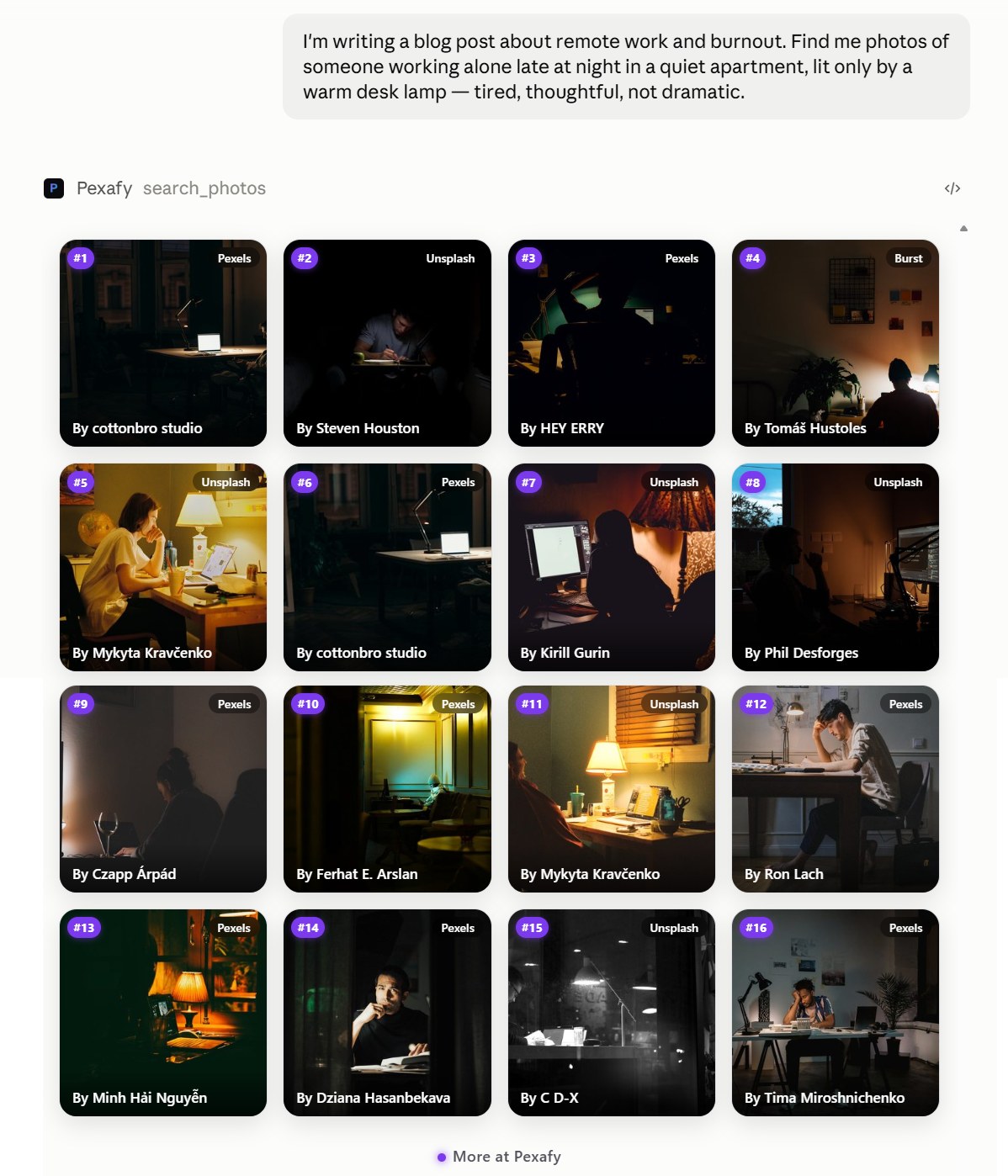
Ask Claude or ChatGPT for an image the way you would describe it to a person — and get real photographs back, in the conversation, ready to use.
https://mcp.pexafy.com/mcp
There is nothing to install and no key to generate. You sign in to Pexafy once, in a browser window, and the connector gets its own credentials.
Any MCP client works — point it at the same URL over the streamable-http transport. In Claude Code, one line:
claude mcp add --transport http \
  pexafy https://mcp.pexafy.com/mcp
Clients without OAuth can send a Pexafy API key as a bearer token instead.
The connector can search. It cannot write to your account, and it never asks for permission to.
search_photos
Describe a scene in a full sentence. Pexafy searches by meaning, so “two people sharing a bench in comfortable silence” works better than a list of keywords.
search_photos_by_image
Give it a reference image and get visually similar photographs — optionally adjusted in words: “like this, but at night”.
photo_similar
More like a photo you already have. Results are numbered, so you refer to one by its rank rather than copying an identifier.
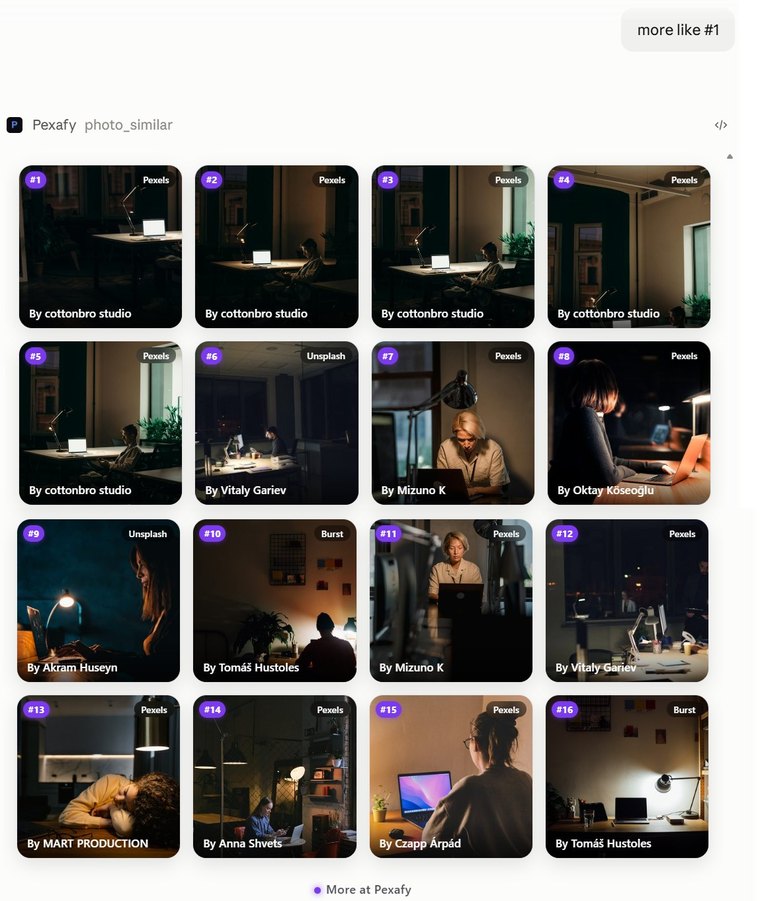
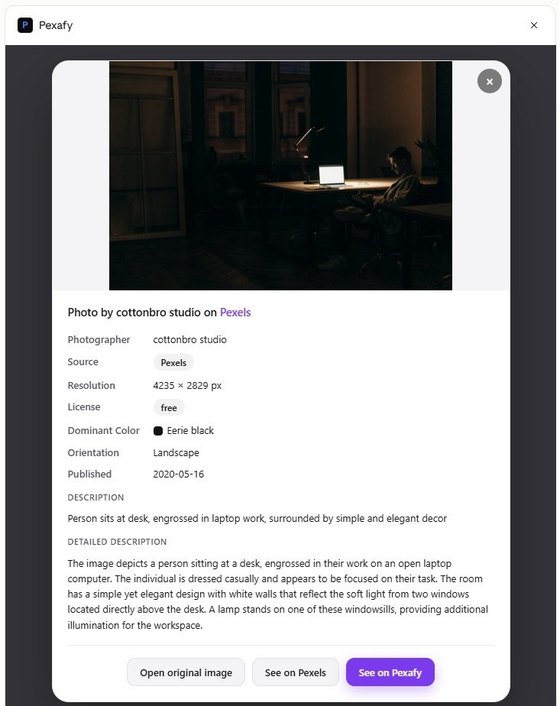
Every result carries the credit to display, and comes from one of 9 free-licence sources.
The Free plan covers 5000 searches a month — enough for regular use, and no card required. When you reach a limit, the assistant tells you in the conversation instead of failing with an unreadable error.
The server is public and MIT-licensed. Read exactly what it sends, and what it asks of your account.
Pexafy/pexafy-mcp on GitHub →We run it, so you do not have to. Its health endpoint is public.
Check the server status →The connector holds its own credentials, separate from your password. Remove it from your assistant and the access is gone.
Manage your access →